Quiz creation tools are becoming increasingly popular in educational environments. Multiple-choice exercises are presented with attractive, lively interfaces that inspire students. If you want to create engaging lessons, join NineQuiz to discover 10 super interesting quiz creation apps below.
Nine Quiz - Learning Tool
Nine Quiz is a popular and easy-to-use online quiz creation tool. The tool supports a variety of question types such as multiple choice, fill-in-the-blank, and drag-and-drop. With Nine Quiz, you can easily create tests, exercises, and engaging educational games. It helps students practice knowledge effectively and enjoyably.

Nine Quiz is an effective online learning tool.
Some outstanding features of Nine Quiz include:
- Intuitive, easy-to-use interface: Anyone can easily create quizzes without technical knowledge.
- Rich question bank: Nine Quiz offers a variety of question types, meeting teaching needs for many subjects and different levels.
- Highly customizable: You can customize the quiz interface, add images, videos, and audio to make it more engaging.
- Supports creating exercises and games: Nine Quiz not only helps you create tests but also supports creating educational exercises and games, making knowledge acquisition more enjoyable for students.
- Sharing and tracking features: You can easily share quizzes with students and track their results.
It can be said that Nine Quiz is the best choice to create an exciting lesson for students.
Quiz Maker
Quiz Maker is a flexible and multifunctional quiz creation tool. The app allows you to create multiple-choice questions, essay questions, and lively drag-and-drop questions. You can customize the interface, set the test time, and view detailed results of students after they complete the test.
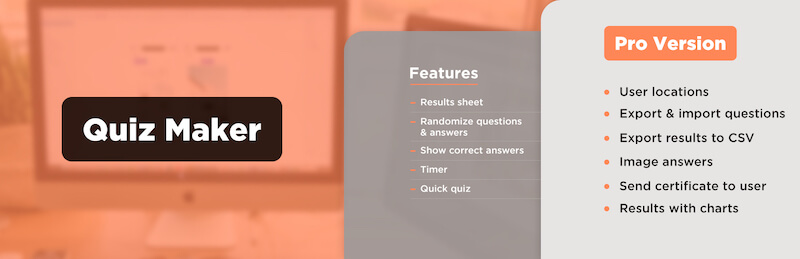
Quiz Maker offers many convenient quiz creation features.
Some special features of the Quiz Maker app include:
- Easy to use: Intuitive interface, simple operations.
- Free: Create an account and use many free features.
- Advanced: Premium packages with more powerful features.
Quiz Maker is a quiz creation app with many options and different features. You can create quizzes for free or subscribe to premium packages to create more unique quizzes.
Create Online Quizzes with Kahoot!!
Kahoot!! is a very familiar name among students in Vietnam. Kahoot is a popular and powerful online platform used in education and learning. With a simple and user-friendly interface, Kahoot has attracted millions of users worldwide, from students and teachers to learning and gaming enthusiasts.
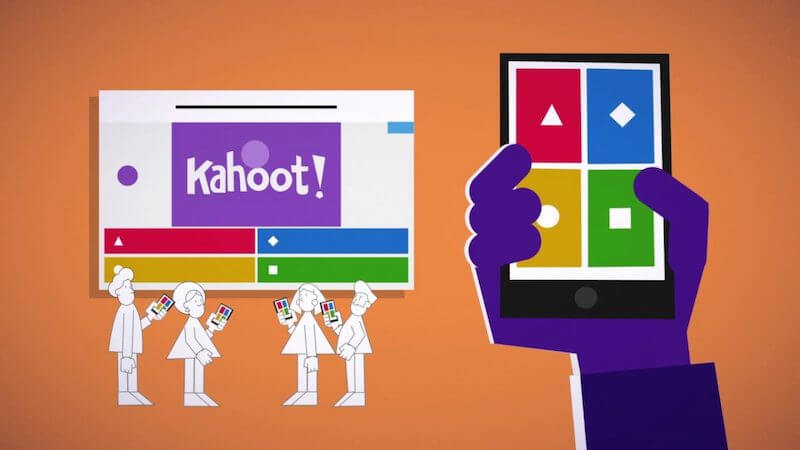
Kahoot! is currently the most popular online quiz creation tool.
Kahoot allows users to create, share, and play online quizzes. You can create highly interactive and engaging games. Kahoot is not just a quiz creation tool but also a creative educational medium. Teachers can create tests, multiple-choice questions, or essay questions to assess students' knowledge. In addition, Kahoot supports adding audio, images, and videos, making the tests more attractive and lively.
Mentimeter
Mentimeter is a powerful online tool that helps you create polls, multiple-choice questions, and many other interactive formats easily and effectively. This platform offers many benefits for both teachers and learners.
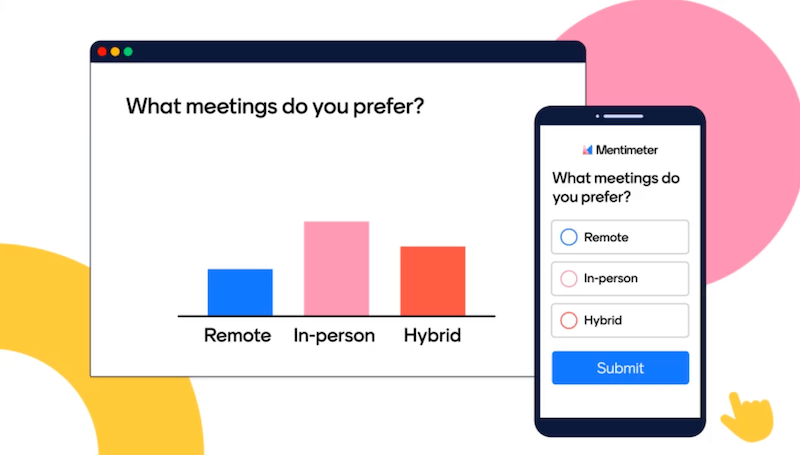
Mentimeter allows you to create quizzes and display feedback statistics in chart form.
The Mentimeter quiz app sparks interest and captures students' attention during lessons. It creates direct interaction between learners and teachers with its direct messaging feature.
Additionally, the application allows teachers to monitor students' understanding and grasp of knowledge. It supports the quick creation and use of interactive presentations.
Class Maker Quiz App
ClassMarker is a free and easy-to-use online test creation tool. It allows you to create tests, exams, and exercises with various question types, including:
- Multiple-choice questions: Single choice, multiple choice, true/false, matching.
- Essay questions: Paragraph writing, short answers.
- Ordering questions: Arrange words or sentences in the correct order.
- Matching questions: Match corresponding words or phrases.
- Fill-in-the-blank: Fill in the blank with appropriate words or phrases.
Class Maker is widely used in the UK, Canada, and the US.
The ClassMaker quiz is not as popular in Vietnam as Kahoot or Ninequiz. However, this software will also help you create more lively and impressive multiple-choice tests.
Poll Everywhere
Poll Everywhere is a live interaction platform that allows you to create and conduct polls. Teachers can use Poll Everywhere to create quizzes and survey questions via text messages or mobile devices.

Poll Everywhere allows users to create quizzes with different options.
A strength of the Poll Everywhere quiz app is its ability to integrate and be used on PowerPoint slides. This helps make online teaching more effective and ensures interaction among everyone.
With outstanding flexibility and wide applicability, Poll Everywhere is used by many teachers worldwide. Although this app is not yet very popular in Vietnam, in the future, Poll Everywhere will offer more useful solutions, making learning more interesting and less monotonous.
Create quizzes with Slido
Slido is a popular interaction platform used in meetings and events. It allows organizers to collect opinions and interact with students or audiences. With Slido, teachers can easily create slides and engage participation from any device through a simple code.
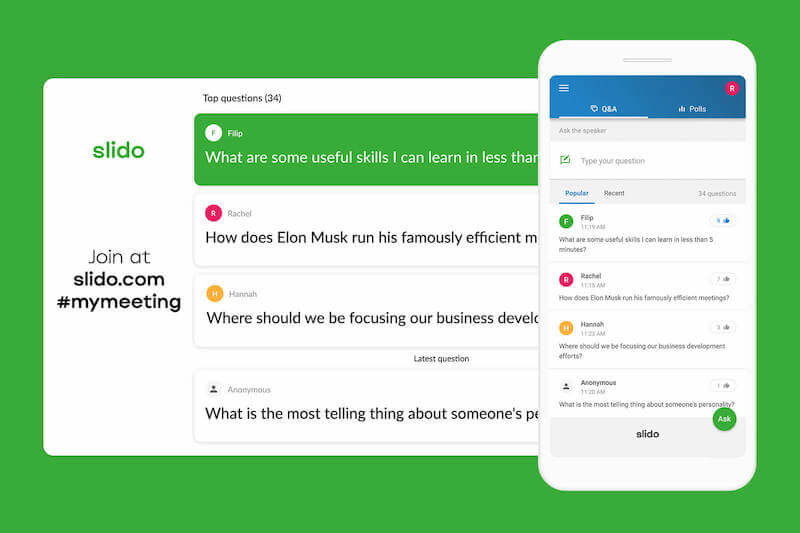
Slido allows users to create quizzes with lively images.
This platform provides top questions to kickstart meaningful conversations and collect valuable event data. The special feature of Slido is its simplicity and convenience, helping users save time and create a good interactive experience for all participants.
Feedbackr
Feedbackr is a very popular tool used in many different fields, such as events, group discussions, presentations, speeches, meetings, and decision-making in companies, seminars, and classrooms.
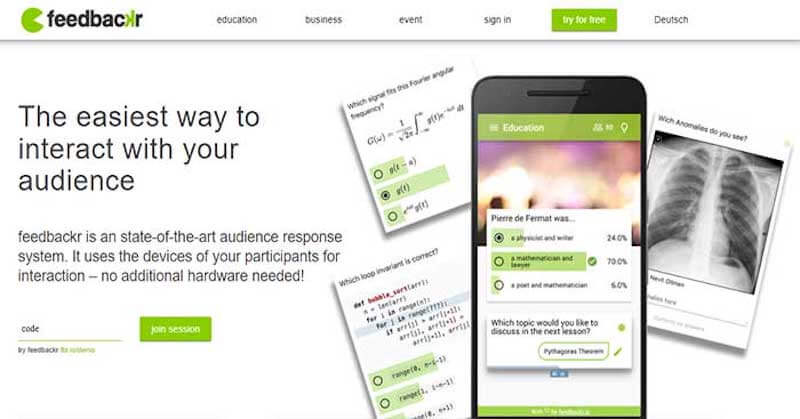
Feedbackr is a quiz creation app with convenient anonymous survey features.
Feedbackr allows significant interaction with students or audiences through questions, polls, and feedback. The application can handle thousands of user responses in a short time, enabling surveys and quizzes to be conducted quickly and saving time.
Another plus is that Feedbackr allows users to send anonymous feedback without requiring a separate app installation. Just use a simple browser to access and participate in quizzes on Feedbackr. Of course, if you are looking for a quiz or survey app, Feedbackr is also a great suggestion.
Typeform
Typeform offers useful and engaging quiz creation features along with many outstanding utilities. This is a great choice if you want to create an impressive quiz. You can add questions with multiple choices, scoring scales, and question groups. Currently, you can use the free version of Typeform, which allows you to create 100 responses per month. If you use the paid version, this number will not be limited.
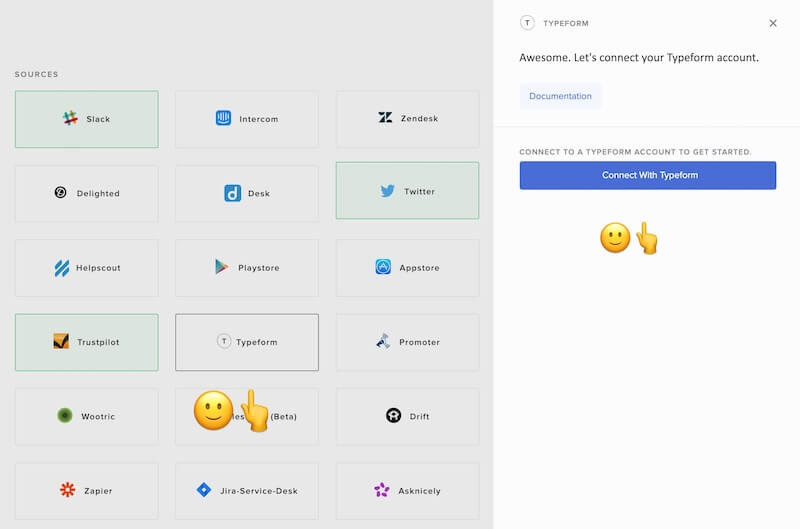
Typeform is a free quiz creation tool with a variety of features.
Typeform provides you with a powerful tool to create unique quizzes, helping you collect information and assess students' knowledge more effectively.
Microsoft Forms
Microsoft Forms is a tool that helps teachers create interactive surveys and quizzes. By using any web browser or mobile device, users can invite others to participate and respond. Results can be viewed in real time as they are submitted. The built-in analytics feature helps evaluate feedback more effectively. In addition, Microsoft Forms can be easily integrated into teaching PowerPoint slides. However, to use this feature, teachers need to have Office 365.
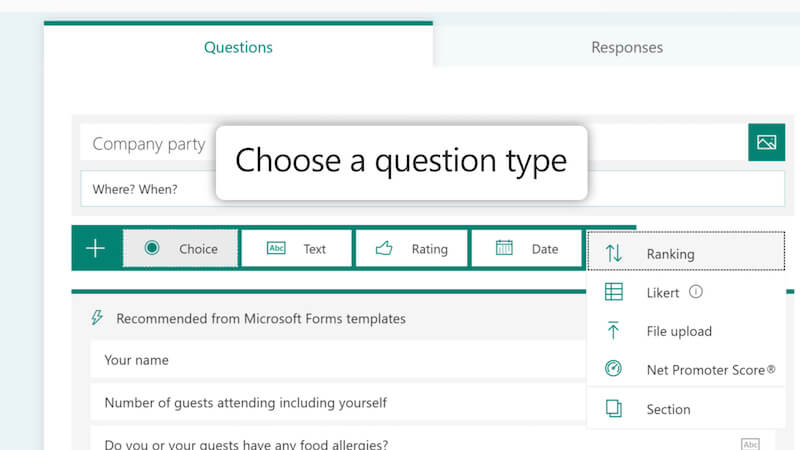
Microsoft Forms with quiz creation features and increased interaction in learning.
Microsoft Forms offers teachers a flexible and convenient tool to create quizzes for students. It allows quick collection of student feedback and increases interaction during online learning.
Currently, quiz creation tools are being strongly developed to provide many useful features for teachers. Not only serving online learning, these quiz apps also help teachers create engaging exercises, saving time in preparing tests, assignments, and monitoring students' learning progress.
